
2 weeks ago · Google · 12.10.2026
5/5
The staff are genuinely wonderful and so helpful! Everything was smooth and easy, and the car was great
Review Bluetooth pairing, navigation addresses and signed-in accounts before handing the vehicle back.
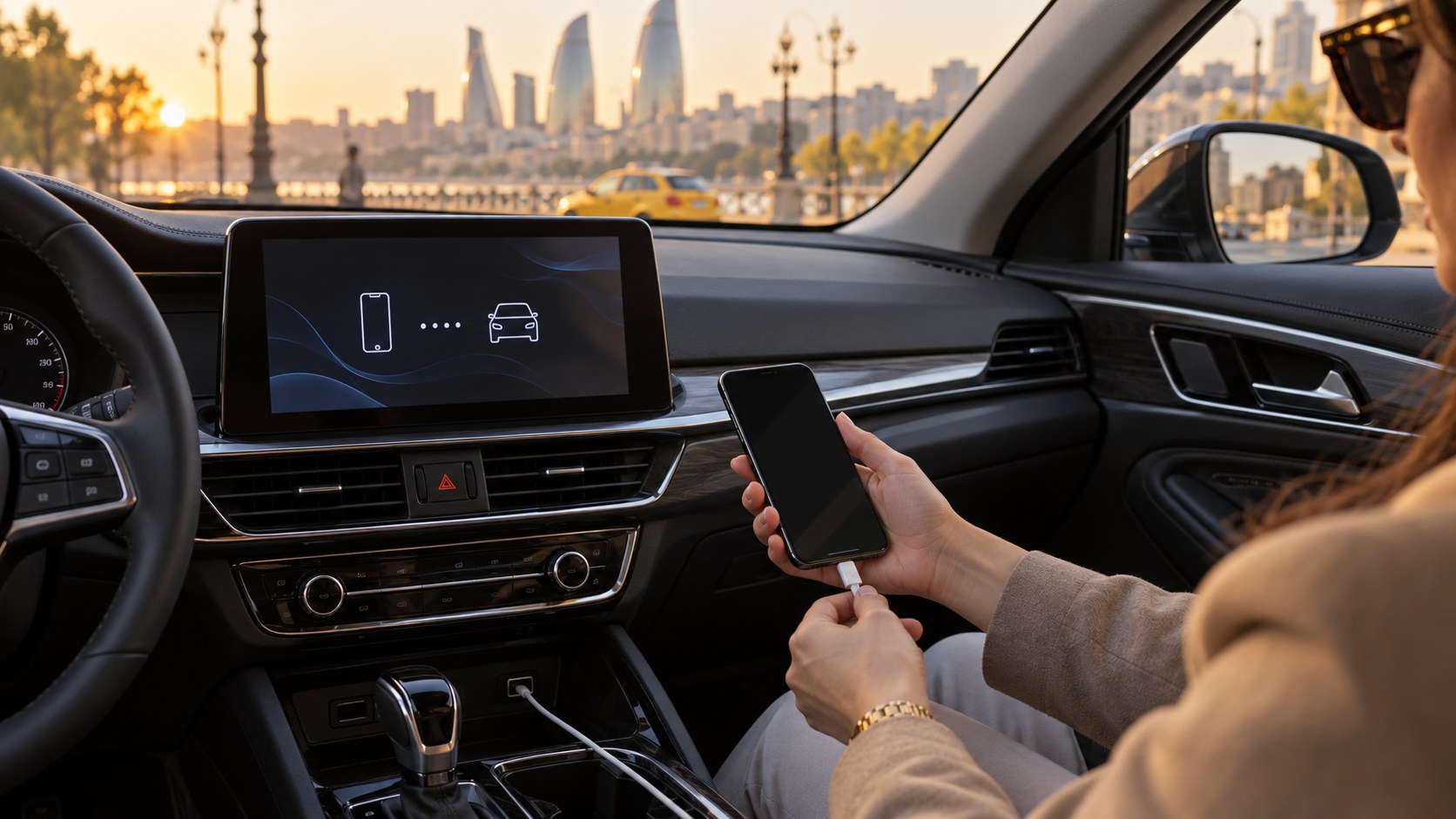
Connecting a phone makes maps and music easier to use during a trip. Disconnecting the cable at the end does not necessarily remove every piece of information from the car. What is retained depends on the infotainment system and the permissions you granted. Allow a few minutes for a personal-data check in your return plan, and carry it out while safely parked.
Was Bluetooth used only for audio, or did you allow access to contacts and call history? A USB connection, phone projection and the car’s own applications are different features. Avoiding unnecessary permissions at the beginning simplifies the final check. If another passenger paired a phone, remember that their information needs attention too, rather than checking only your own device.
Find your phone in the car’s saved-device list and remove it using the instructions for that system. Check the car’s Bluetooth entry on your phone separately. Forgetting a device on one side does not guarantee that every item stored on the other side disappears. Ask the handover employee for help if the menu labels are unclear.
Check recent destinations, saved places and any personal navigation profile. If you signed into a music or other account directly on the vehicle system, establish how to sign out. The FTC rental-car guide also highlights the possibility of personal information remaining in a vehicle. Use the manual for the actual model when checking exact deletion steps, rather than a guide for an unrelated system.
A factory reset may alter settings beyond your own device. It is different from removing a single pairing entry. Agree the appropriate action with the rental company and begin with the parts that concern your information. If you photograph the screen, do not leave personal addresses or contacts visible in an image intended for a shared conversation. Passwords do not belong on a return form.
Collect the phone, cable, storage device and other belongings, then look around the cabin once more. Mark device removal and account sign-out on your own checklist. When arranging the handover with Rentacar200.az, you can ask about infotainment in advance. This guide does not promise identical menus or irreversible deletion on every car; it provides a practical way to reduce omissions.
The cover is an illustrative AI-generated image.
4.8 / 5 · 93 Google · Checked: 12.10.2026
Latest Google reviews — original text
2 weeks ago · Google · 12.10.2026
The staff are genuinely wonderful and so helpful! Everything was smooth and easy, and the car was great
2 weeks ago · Google · 12.10.2026
Harika
1 month ago · Google · 12.10.2026
2 months ago · Google · 12.10.2026
Договорился об аренде машины. Машину не выдали. Подход к работе тихий ужас.
2 months ago · Google · 12.10.2026
Men öz təşəkkürümü bildirirəm RENTACAR 200 Münasib qiymete kanfortlu avtomobiller 🙏🙏👍
2 months ago · Google · 12.10.2026
Ребята приветливые, машина хорошая!
2 months ago · Google · 12.10.2026
استأجرت سيارة من Aras وكانت التجربة جدًا كويسة. السيارة كانت جديدة ونظيفة، وما أخذوا مني وديعة. وAras كان متعاون وعطاني كم نصيحة عن السواقة، وقال إذا احتجت أي شيء أتواصل معه. الأسعار بعد كانت أفضل من اللي لقيته أونلاين.
2 months ago · Google · 12.10.2026
Əlaaaa